Ark Ascended Guides
Ark Ascended Aimbot Settings That Look Natural in PvP
Ark Ascended fights mix on-foot shooting, mounted turret work, and chaotic base raids. A harsh aimbot snaps attention from other survivors; soft, tunable settings let you win trades without looking robotic. This guide is the practical tuning order we recommend on Windows PC.
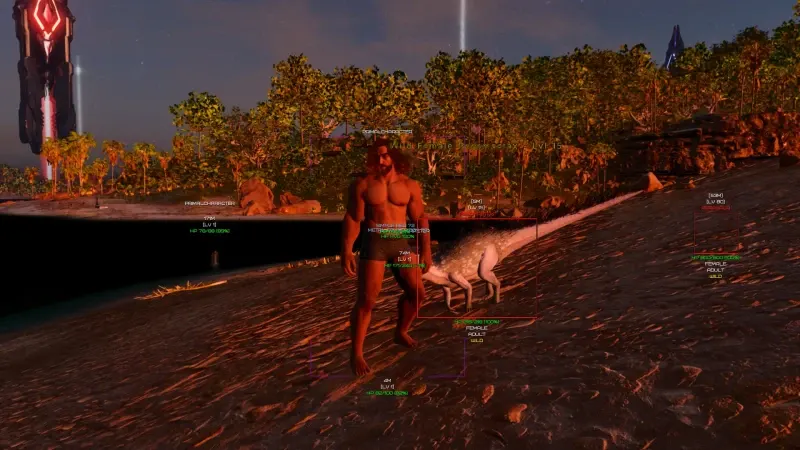
Start with a small FOV and high smoothness
Begin narrower than you think. A tight FOV only helps when you are already aiming near the target — that is what makes assist believable. Raise smoothness until flicks feel like good tracking, not teleporting.
Full documentation lives on Ark Ascended Aimbot. Compare with Features so you know which weapons the package supports.
Bone priority for players and dinos
Headshots matter on foot; center mass is often safer on moving mounts. Boss fights may need a profile that favors large body bones when hitboxes jitter.
Save separate profiles for rifle PvP, shotgun caves, and turret riding. Swapping one global slider between a Rex rush and a sniper tower fight never feels right.
Mounted combat vs on-foot profiles
Mounted aim has different sensitivity and camera lag. Build a dedicated mounted profile with slightly wider FOV and lower snap. On-foot profiles can stay tighter for peek shots around metal doorframes.
Pair aim settings with ESP so you choose fights with information first. Our no recoil guide covers complementary weapon tuning.
Hotkeys and when to disable assist
Bind a panic off key for looting tribemates, passive taming moments, or streaming clips. Assist during emotes or inventory management looks wrong in recordings and reports.
After BattlEye or game patches, confirm Updates before you tune on an old build.
Setup and purchase path
New buyers should read Pricing, then Setup on a clean Windows install. Questions about risk and refunds are answered on FAQ.
Browse the blog for ESP and radar guides that pair with these aim settings.